WordPress plugin
Timeline Widget Pro for Elementor
Timeline Widget Pro for Elementor presents company histories, achievements, personal journeys, milestones, product roadmaps, and other chronological content as stories in Elementor’s visual editor. Arrange entries without writing code, then pick a layout that suits the content and page design.
Timeline Widget Pro for Elementor presents company histories, achievements, personal journeys, milestones, product roadmaps, and other chronological content as stories in Elementor’s visual editor. Arrange entries without writing code, then pick a layout that suits the content and page design.
What changes with the timeline layout
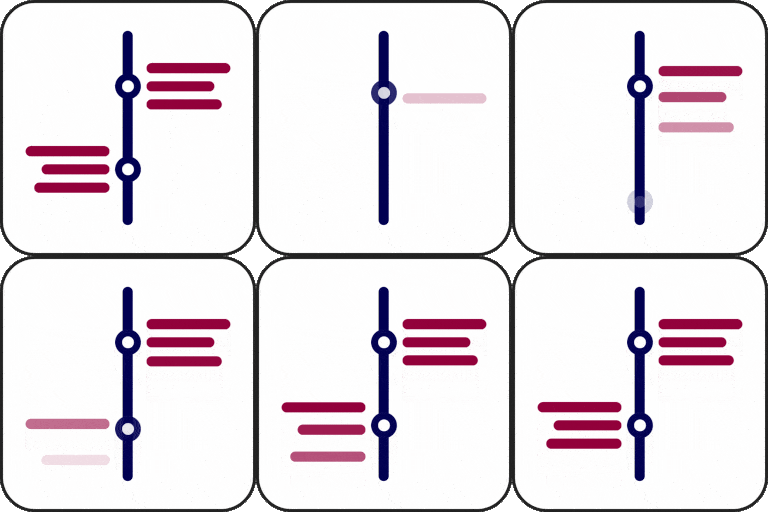
Choose a vertical, horizontal, or other timeline layout. Responsive show supports various screen sizes. Advanced style options let you adjust text size, fonts, and colors for each story, including its dates, headings, and descriptions.
Stories can include pictures, videos, or slideshows to add visual context to an event, achievement, project stage, or personal experience. For longer timelines, Ajax Load More can load additional stories as visitors scroll.
When existing stories shape the setup
If your timeline stories are in Vertical Timeline Widget for Elementor, the Pro edition supports migrating them without data loss. Migrate those entries, then choose a layout and adjust their media and styling in the Pro widget.
Using the widget in Elementor
Add the add-on to WordPress, open an Elementor page or template, and insert the timeline widget. Select a layout, add or migrate stories, then configure the available style and media settings. The widget works with the free version of Elementor and is compatible with WordPress themes.